Features

Everything you need to stay organized, focused, and productive.

Powerful task management

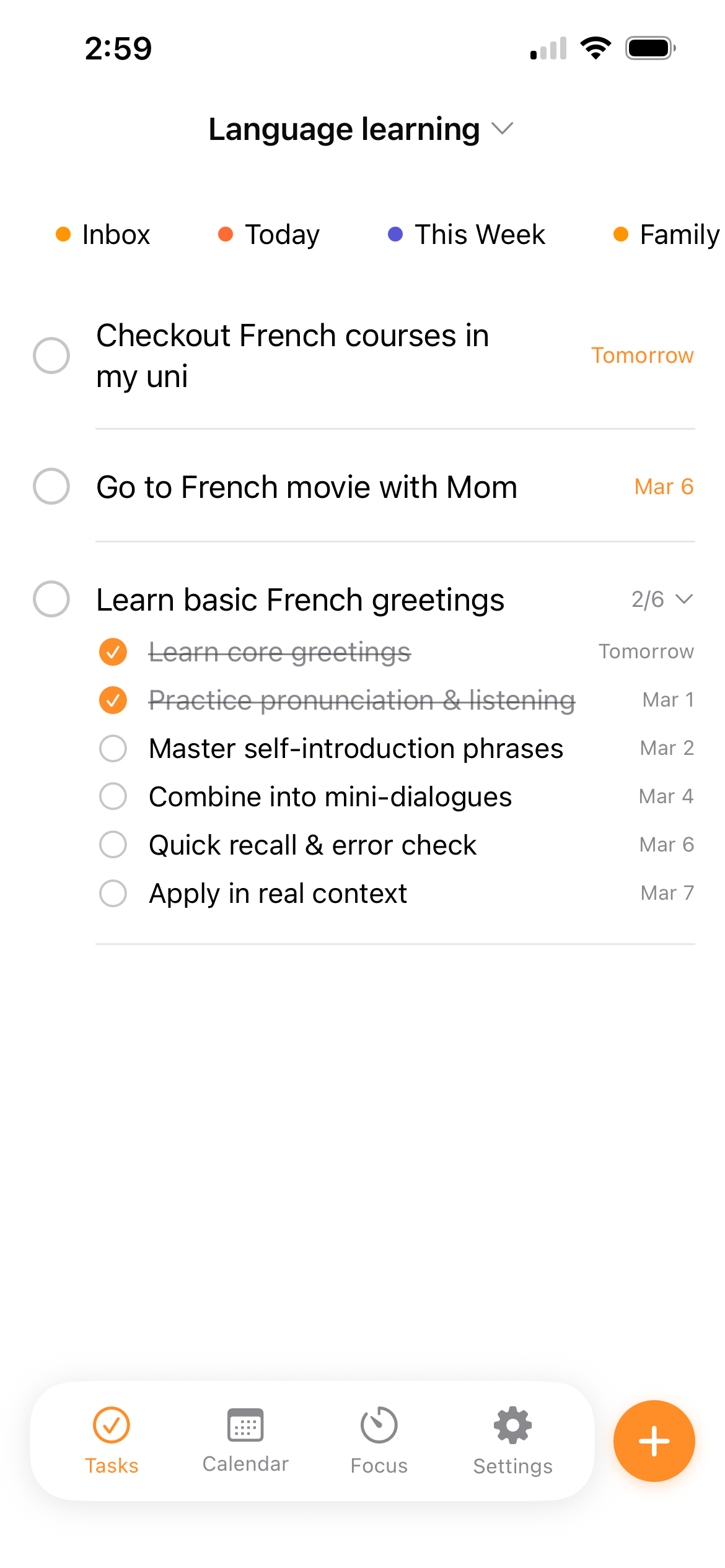
Create tasks with titles, notes, start dates, end dates, and reminders. Organize them into system lists (Inbox, Today, Completed) or custom lists with color coding. Drag and drop to reorder tasks and move them between lists.

  • Two-level hierarchy — tasks and subtasks
  • Drag-and-drop reordering across lists
  • Inline editing with double-click (macOS)
  • Swipe to delete (iOS)
  • Automatic archival of completed tasks
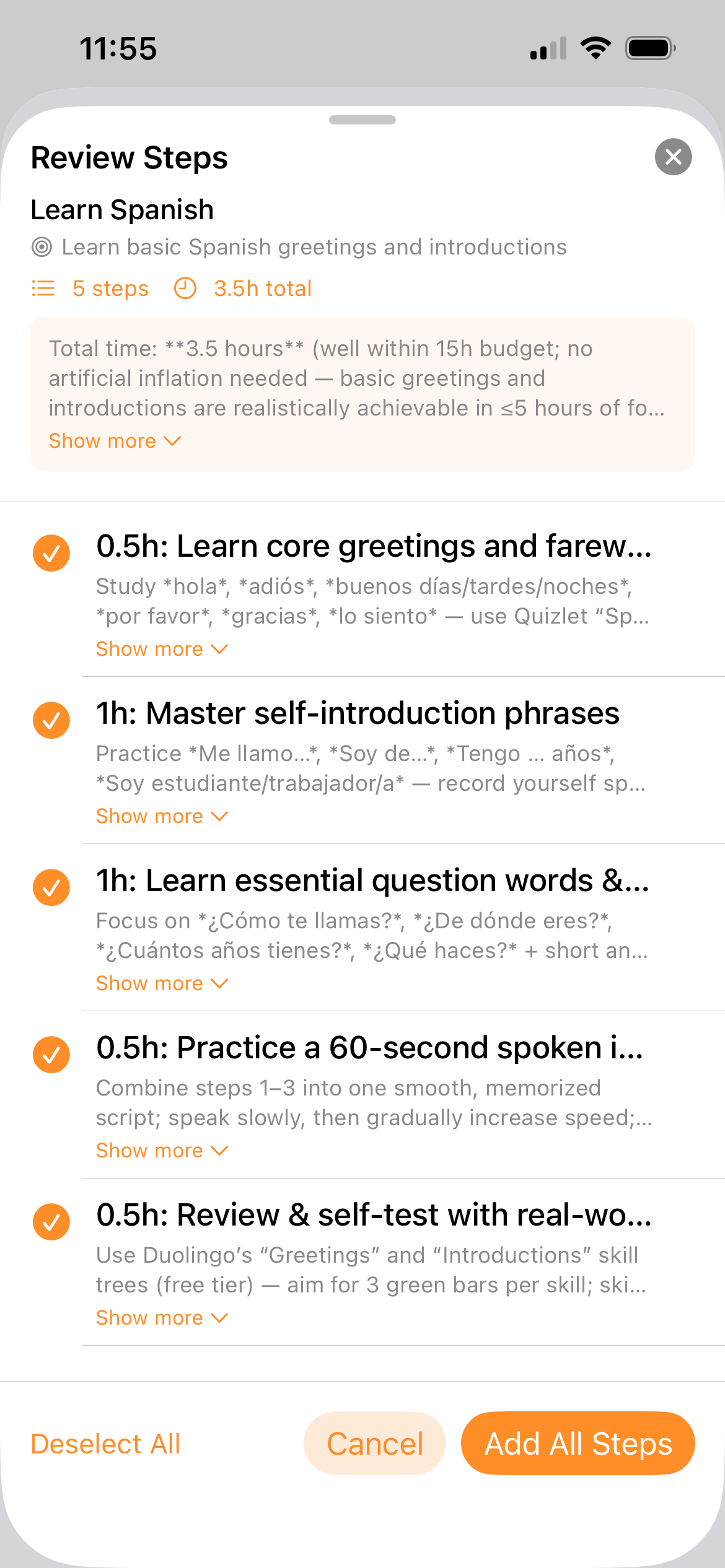
AI-powered task breakdown

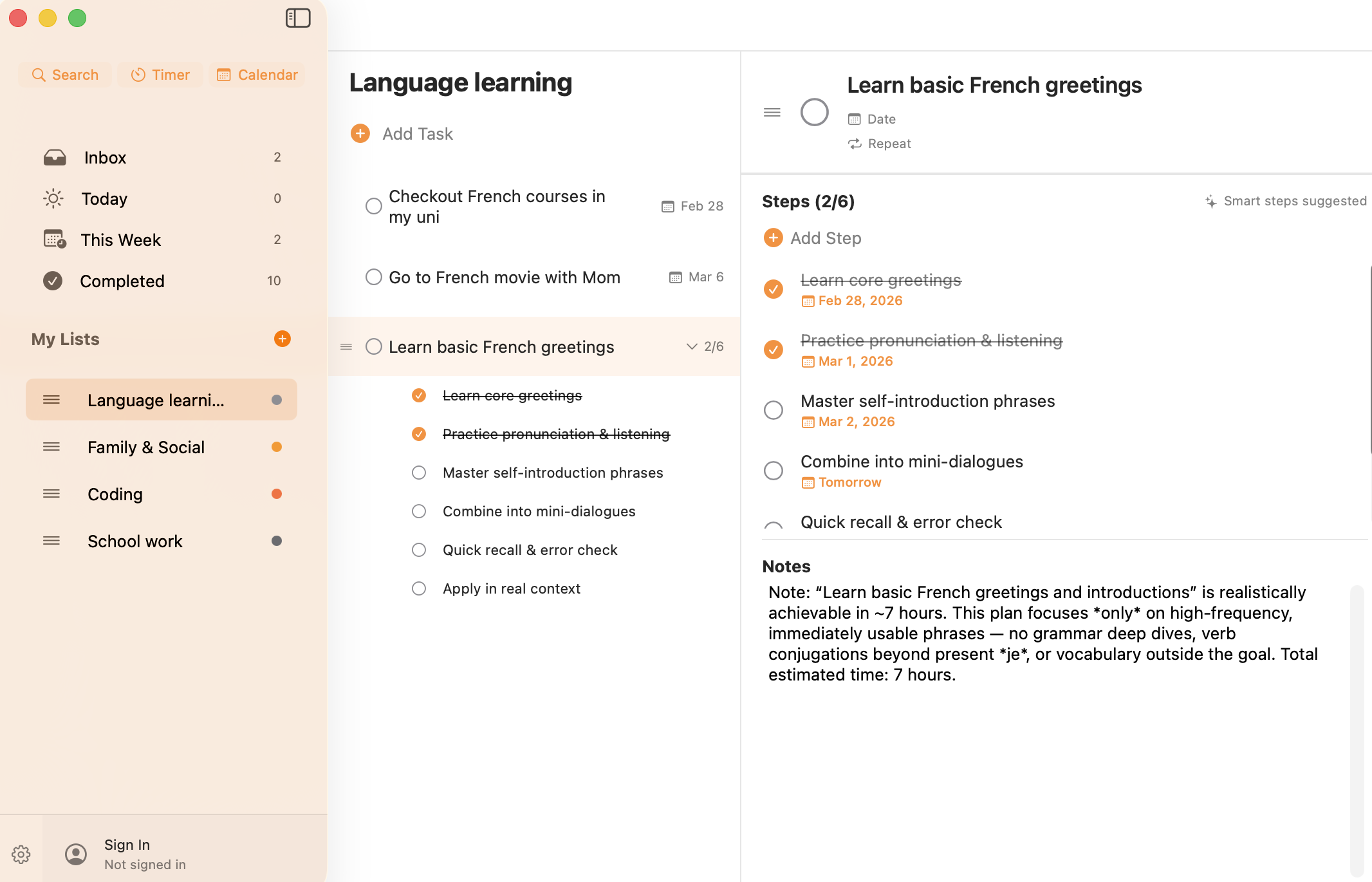
Enter any goal and Smart Steps uses AI to generate a structured plan with concrete subtasks. Each step includes a title, notes, and optional timeline. Customize the breakdown with options for detail level and timeframe.

  • Powered by Llama 3.3 70B via secure Firebase Functions
  • Rate-limited: 20/day, 100/week per user
  • Works when creating new tasks or on existing ones
  • Goal hint suggestions for inspiration
  • Animated step-by-step insertion

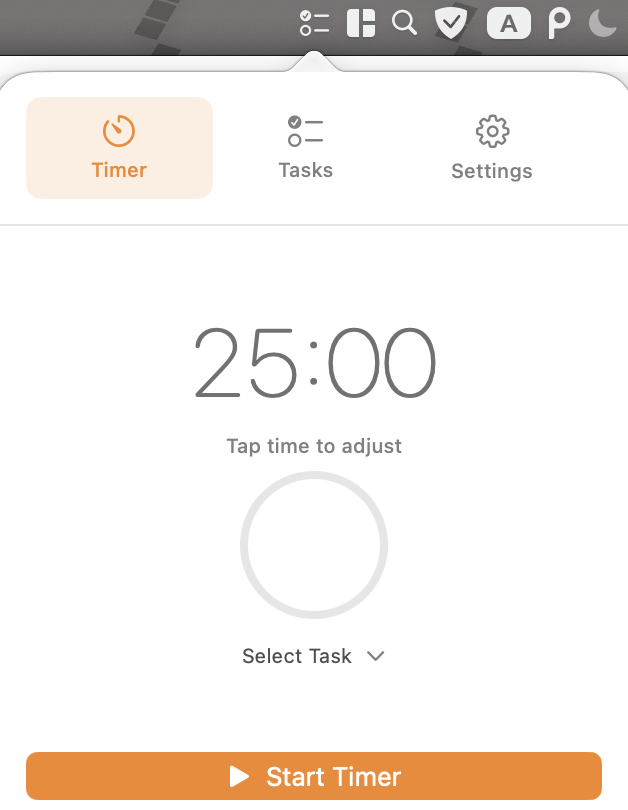
Built-in focus timer

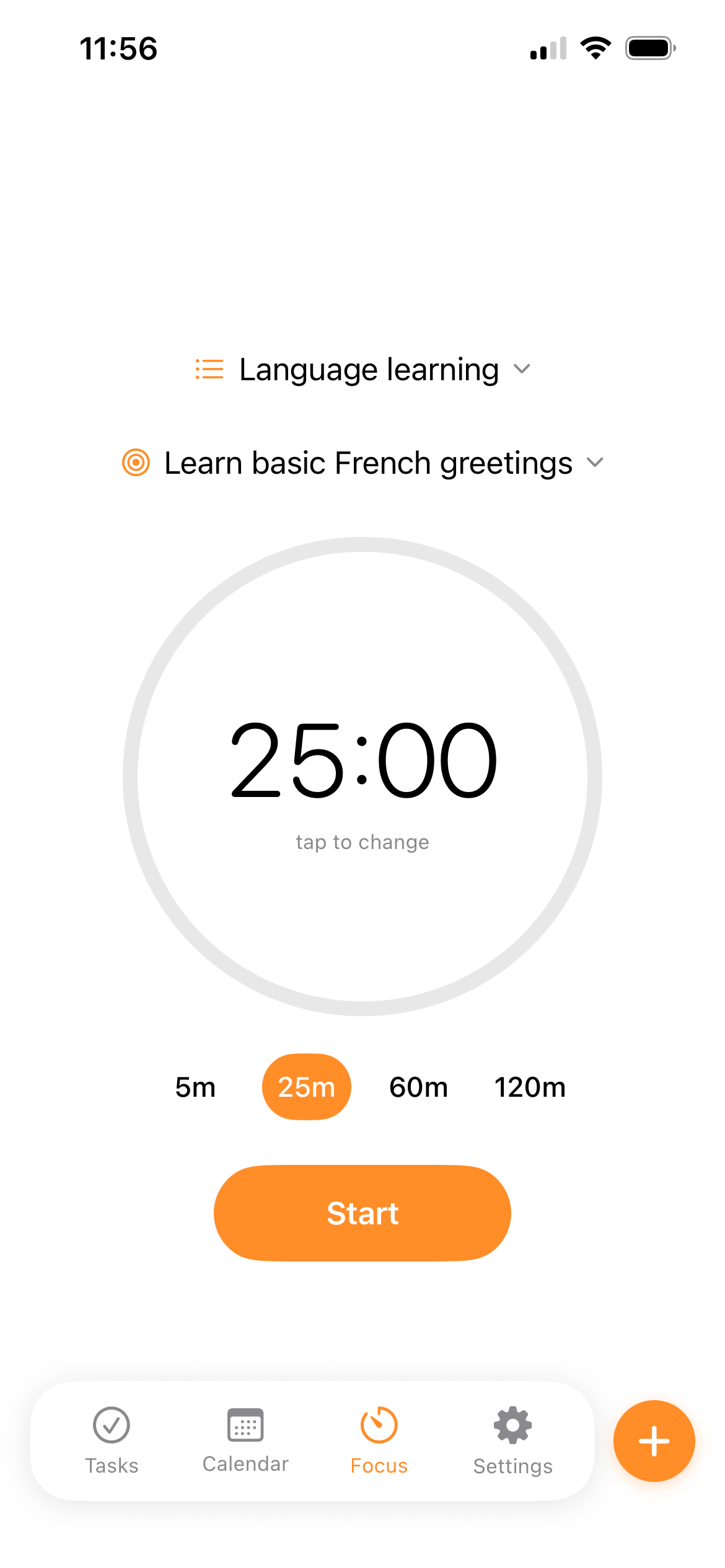
Start a Pomodoro session tied to any task. Choose from 4 customizable presets or set a custom duration. The timer tracks your progress and suggests breaks when you finish.

  • 4 configurable timer presets
  • Pause, resume, and restart sessions
  • Break timer after completion
  • macOS menu bar integration — always visible
  • Notification on completion

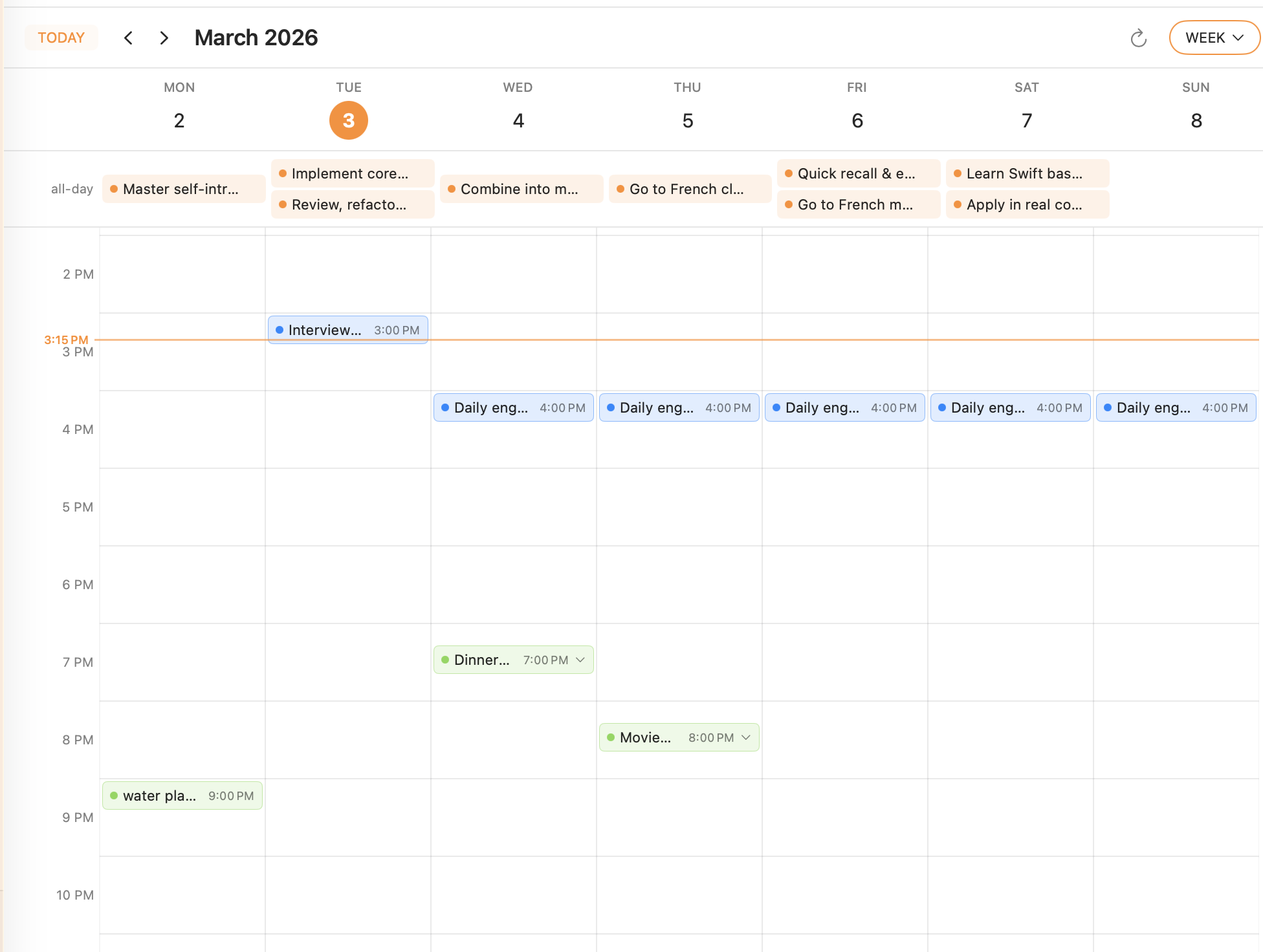
Calendar integration

View your tasks on a calendar alongside events from your system calendar. See what's due today, what's coming up, and what's overdue — all in one view.

  • Monthly, weekly, and daily views
  • System calendar (EventKit) integration
  • Overdue task highlighting
  • Tap any date to see tasks and events
  • Configurable start-of-week

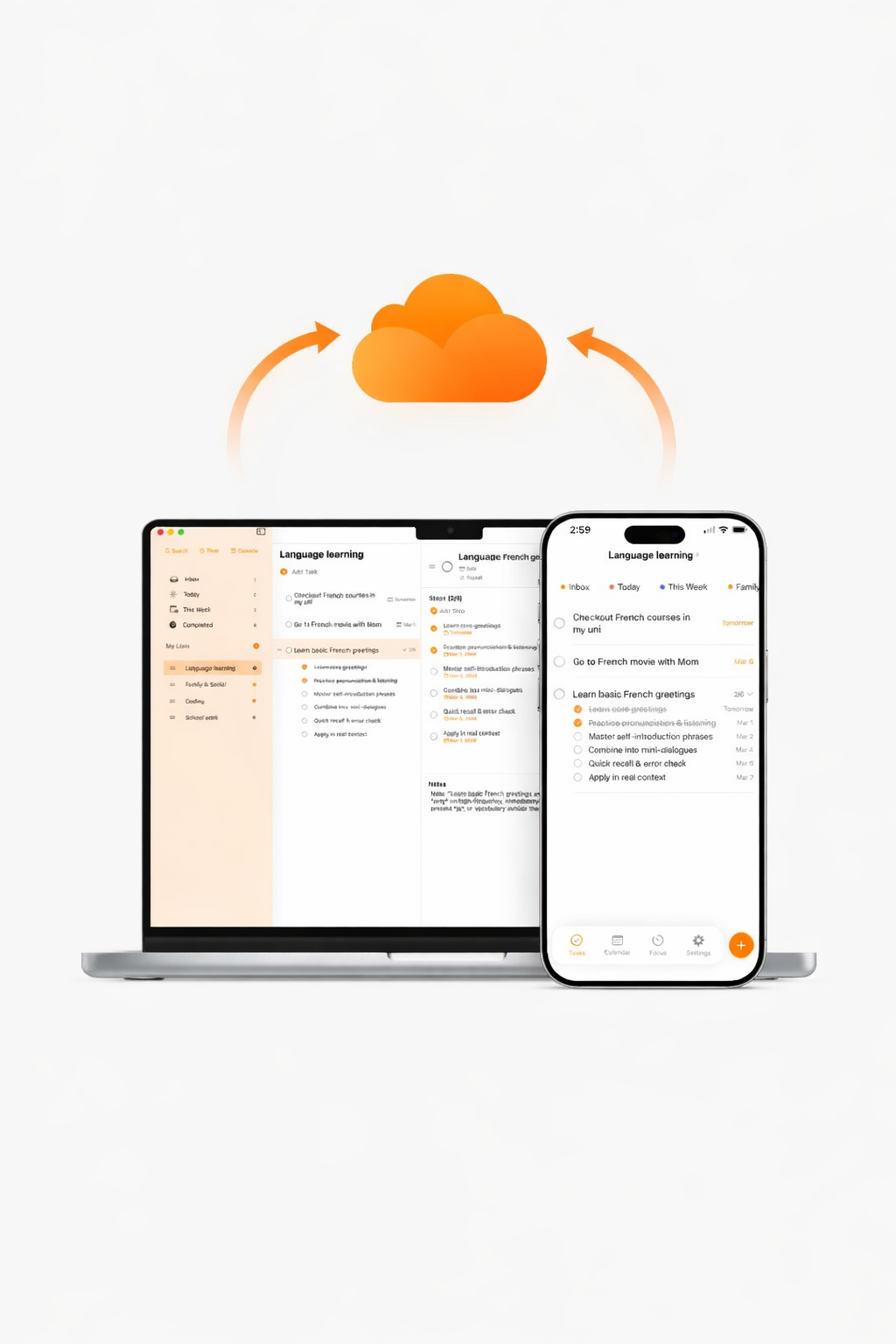
Seamless sync with CloudKit

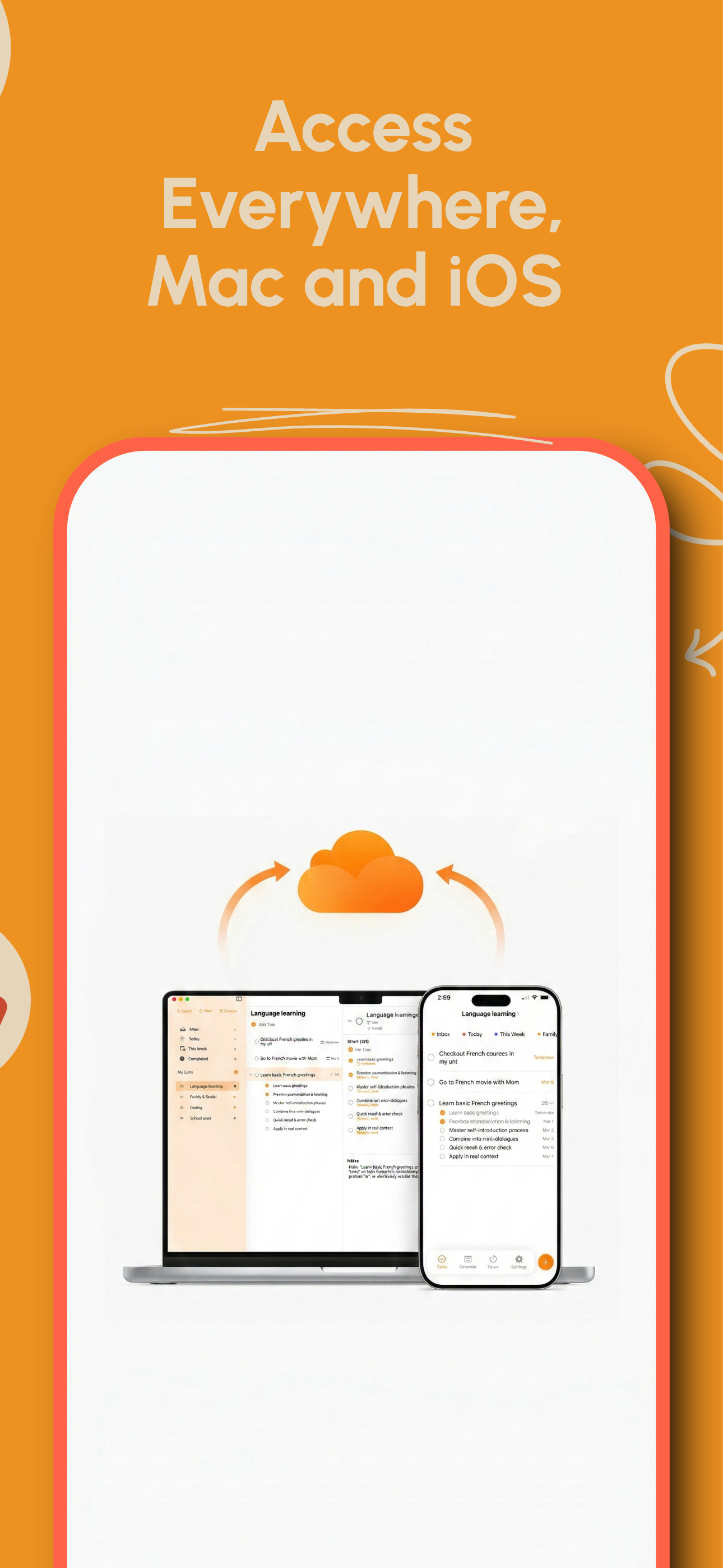
Your tasks sync automatically across all your Apple devices via iCloud. Changes propagate in real time — add a task on your iPhone, see it on your Mac instantly.

  • CloudKit-backed SwiftData persistence
  • Automatic deduplication on sync conflicts
  • Shared App Group container for widget access
  • Fallback to local storage if iCloud unavailable

Menu bar at your fingertips

The macOS menu bar popover gives you quick access without switching apps. Three tabs: a Pomodoro timer, your inbox tasks, and settings.

  • Persistent status bar icon
  • Timer tab syncs with main window
  • Quick task overview
  • Compact 320×380 popover

Never miss a deadline

Set reminders for both start dates and due dates. Choose from preset offsets or set custom times. Notifications work across both platforms.

  • Start date and due date reminders
  • Configurable reminder offsets
  • Batch reschedule on app launch
  • Notification sounds toggle

Home screen widgets

See your today's tasks at a glance with home screen widgets on both macOS and iOS. The widget reads from the shared data container for instant updates.

  • Today tasks widget
  • Shared App Group data access
  • Available on macOS and iOS

Start getting things done

Download TinySteps free on Mac and iOS.

Download Now